
A contractor has sent you a RAMS to review. No account, no cost.
RAMSdoc is what your contractor uses to write their risk assessments and method statements. They've sent you one to approve before the work starts.
How it works
3 steps, a few minutes.
Confirm your email
Open the link and we email you a 6-digit code. It proves the decision came from you. There's no account or password to set up.
Read the RAMS
You see the exact version the contractor sent. It's fixed: if they change their document later, what you reviewed stays as it was.
Give your decision
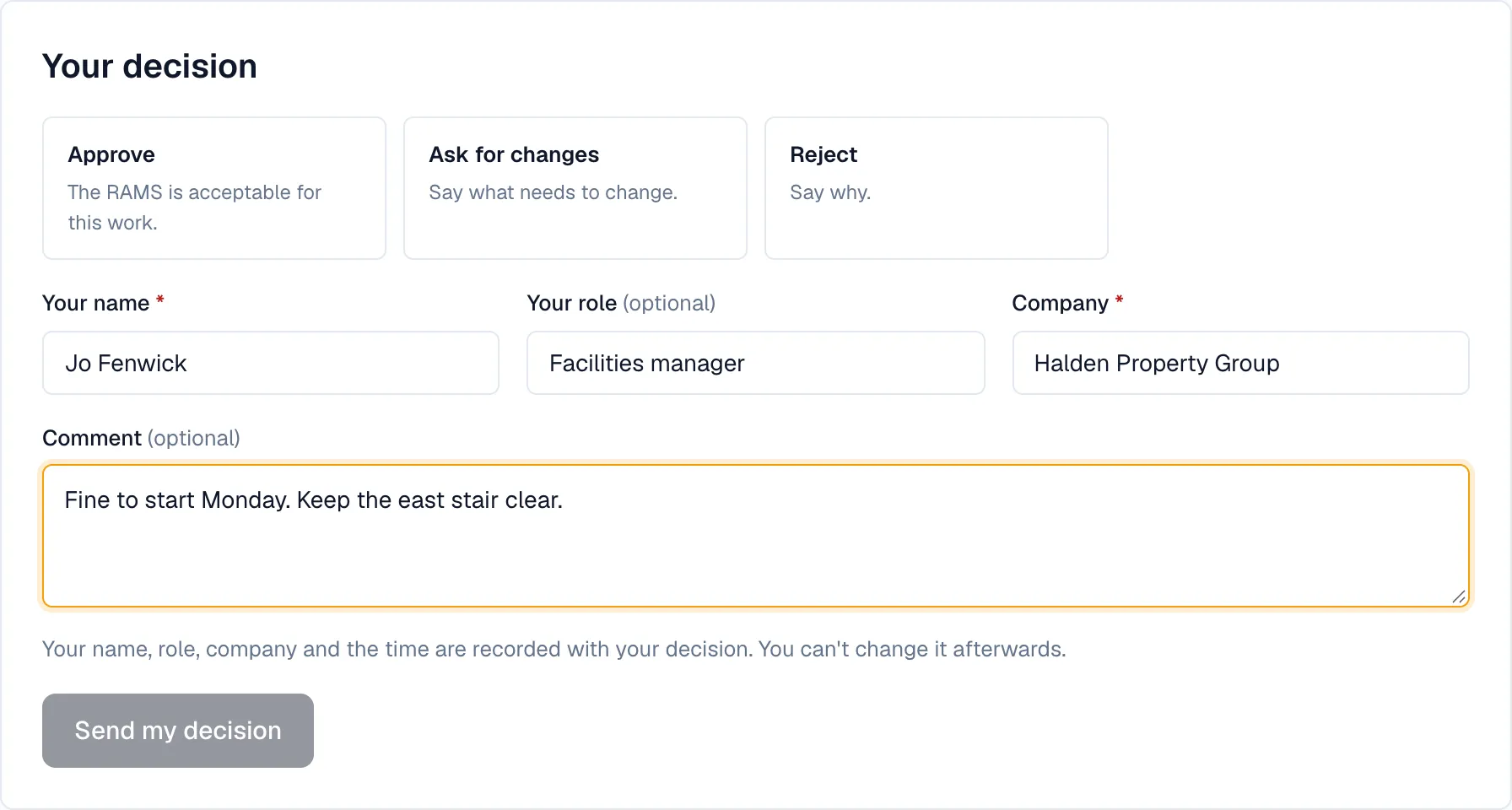
Approve it, ask for changes or reject it, with a comment if you want. Your decision is final for that version, and the contractor is told straight away.
What goes on record
Your decision is kept against the version you read, so both of you can show later what was agreed before the work started.
- Your name, role and company
- Your decision and any comment
- The date and time
- The version of the RAMS it applies to
Not sure the email is genuine? The review takes you to app.ramsdoc.com, and we never ask for payment to review. If in doubt, check with the contractor named in it, or ask us.
Do you ask contractors for RAMS often?
Ask all your contractors the same way.
Invite your contractors by email, review everything they send in one queue, and keep a record of who approved which version. Your contractors submit for free.
Start a free 14-day trialSee how it works
The trial is of our Team plan, which includes inviting contractors. No card needed.