
Everything from the first draft to the last signature.
RAMSdoc writes, checks and manages the safety paperwork for a job — and keeps it alive once the work starts.
Write
AI that drafts; you decide
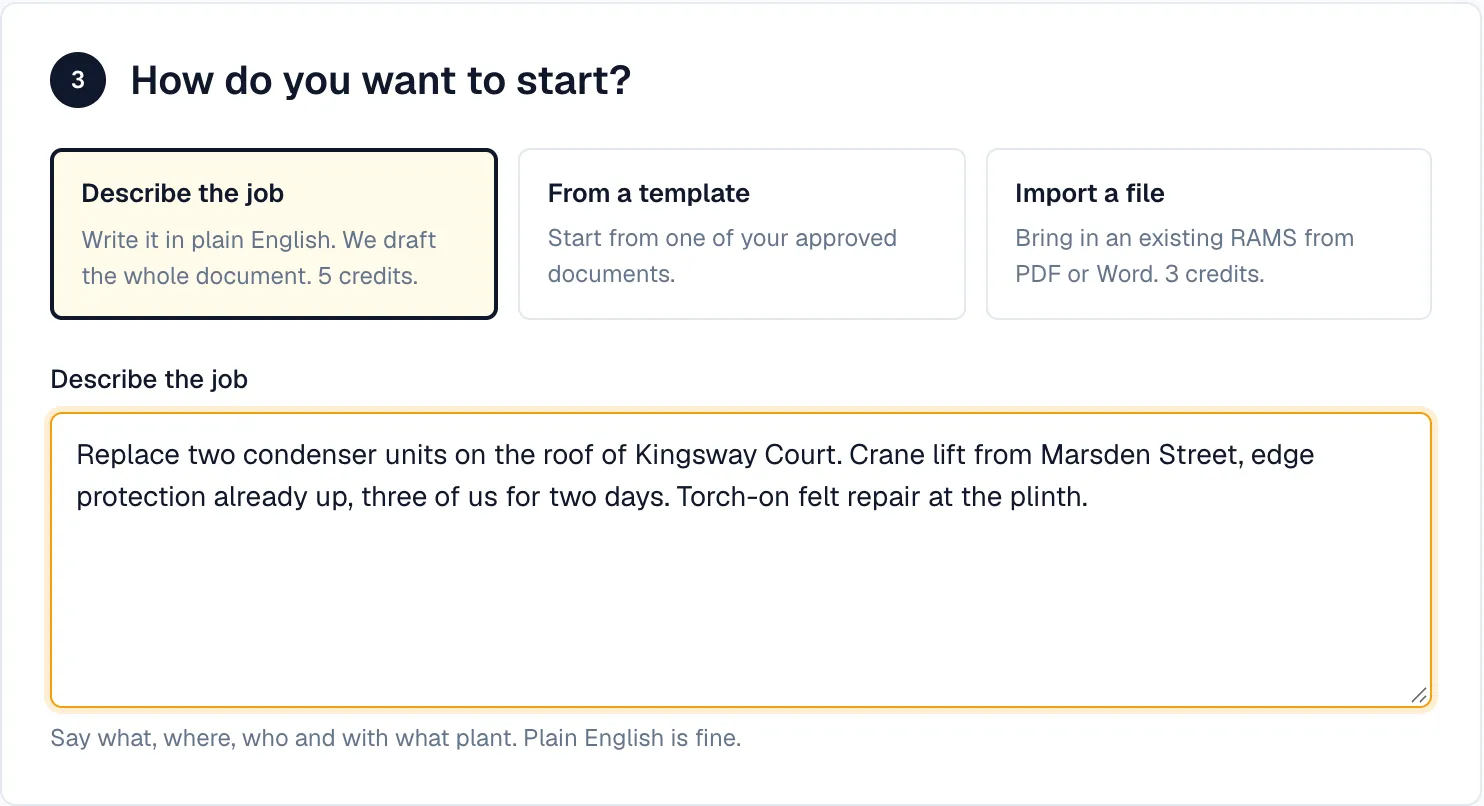
Describe the work in plain English. We draft the full document — hazards, controls, PPE, sequence of work and emergency arrangements. Then run the AI assessment on it.
- A full document from a description of the job
- Hazard suggestions for an existing document — "what have I missed?"
- AI assessment: a score out of 100 and a list of what's missing
- Uses AI credits: a full draft costs 5, plus 1 for the AI assessment that runs on it; an AI assessment on its own costs 1, a what-if 2 — how credits work
Every document a site needs
RAMS, risk assessments, method statements, COSHH assessments, safe systems of work, toolbox talks, permits and POWRAs, in one place.
- 8 document types, with 91 work types across 11 industries
- Risk scored before and after controls
- The people doing the work and their competencies, on the RAMS
- PDF and Word export
- SSIP packs for CHAS, SafeContractor and Constructionline, built from documents you already have
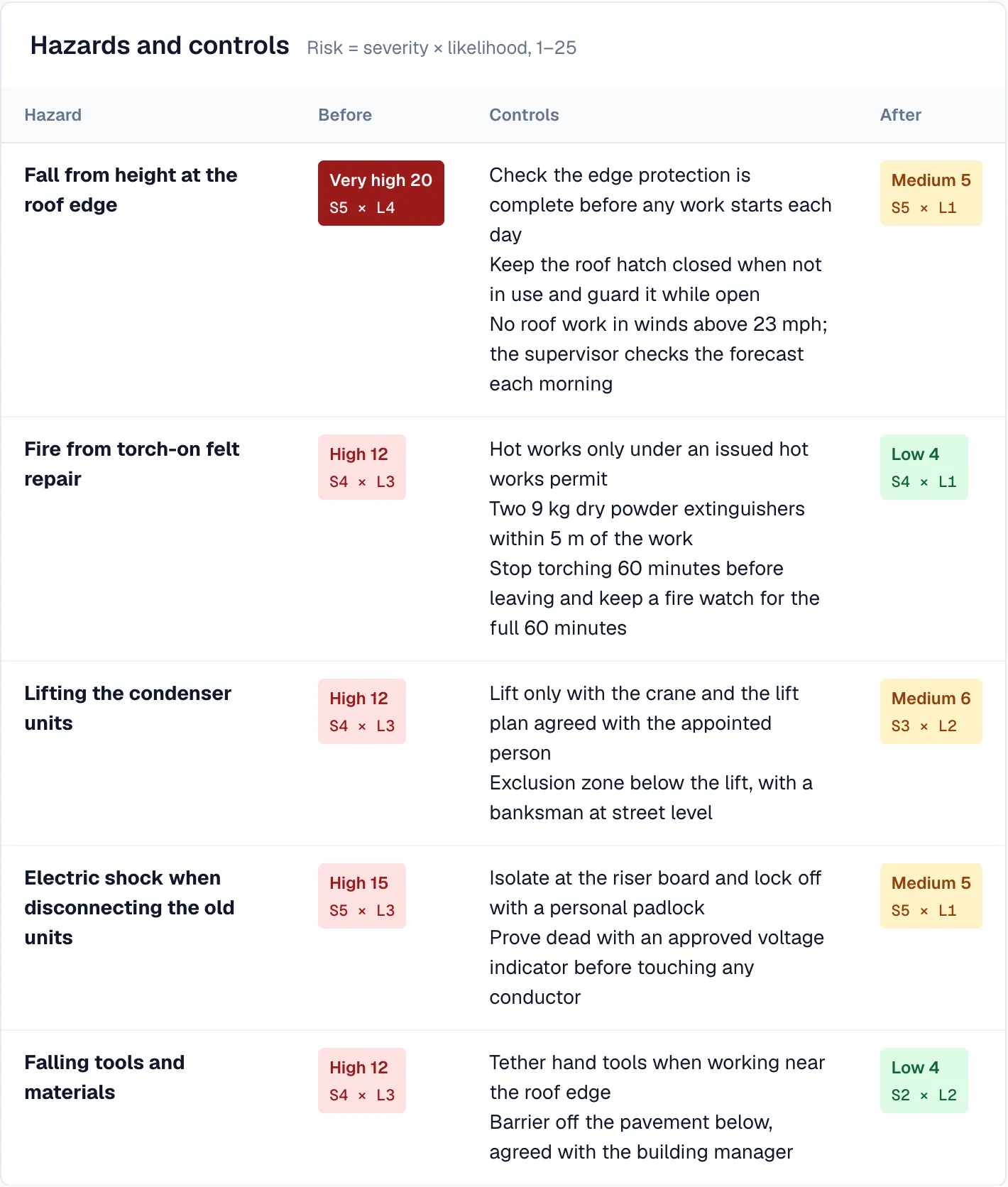
A library of 155 hazards and 654 controls
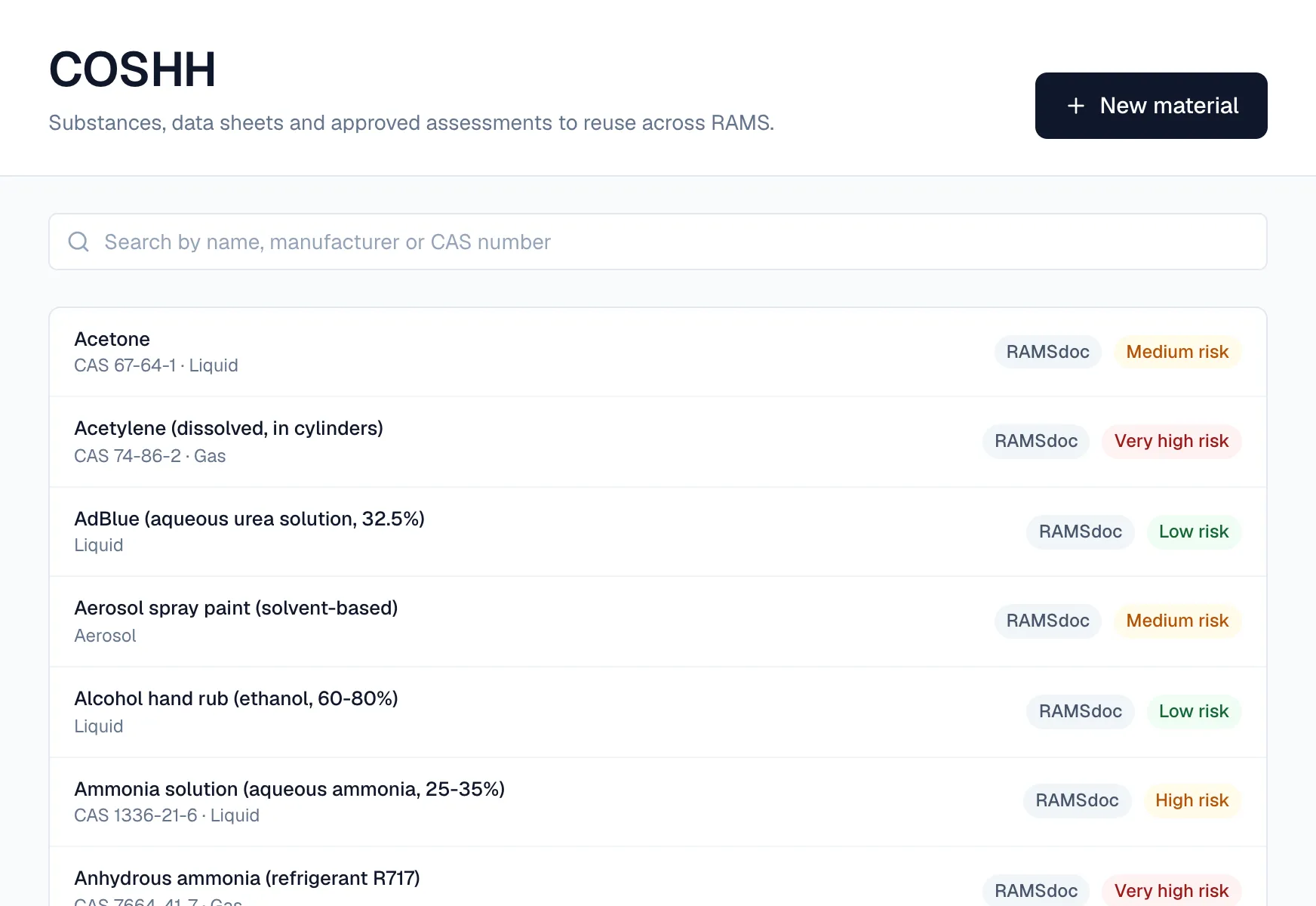
You are not starting from a blank page. Hazards, controls, substances, PPE and competencies are already there. Add your own hazards where the job needs them.
- 155 hazards in 18 categories, each with default severity and likelihood
- 654 control measures, arranged by the hierarchy of control
- 94 COSHH materials, 66 PPE items and 106 competency types
Approve and send
Approved, locked and on record
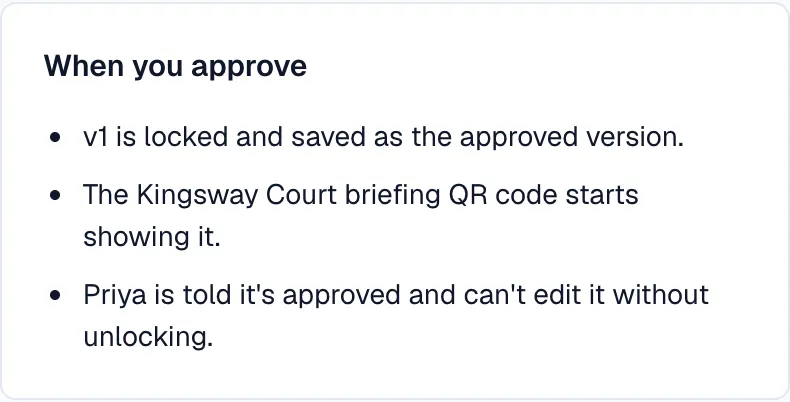
A competent person in your organisation approves each document. The approved version locks. A change means a new version, which replaces the old one when it is approved in turn.
- The approved version can't be edited; new versions supersede old ones
- Set a minimum AI assessment score if you want one — it's off by default, and a manager can override it with a logged reason
- Turn self-approval off, so the author and the approver are different people
- Who approved which version and when stays on record after people leave
Send it to your client and get a decision
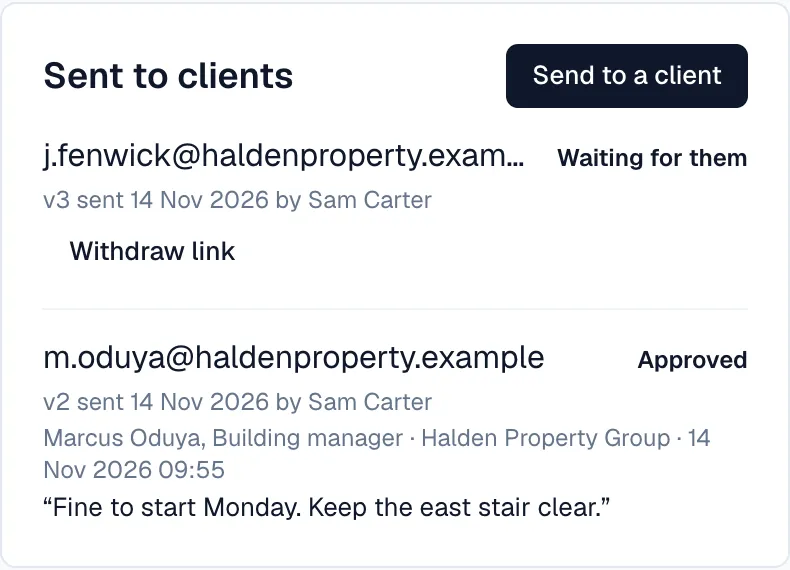
Submit to a client who invited you, or send an approved RAMS by link to one who hasn't. Either way they review the exact version you sent.
- Invited by a client? Submit to their project and see their decision and comments
- Send an approved RAMS by link to any client — on every plan, up to 20 sends a day per person
- They confirm their email with a 6-digit code: no account, nothing to pay
- They approve, ask for changes or reject; their name, role, company and the time are recorded against that version
On site
Briefings and sign-off from any phone
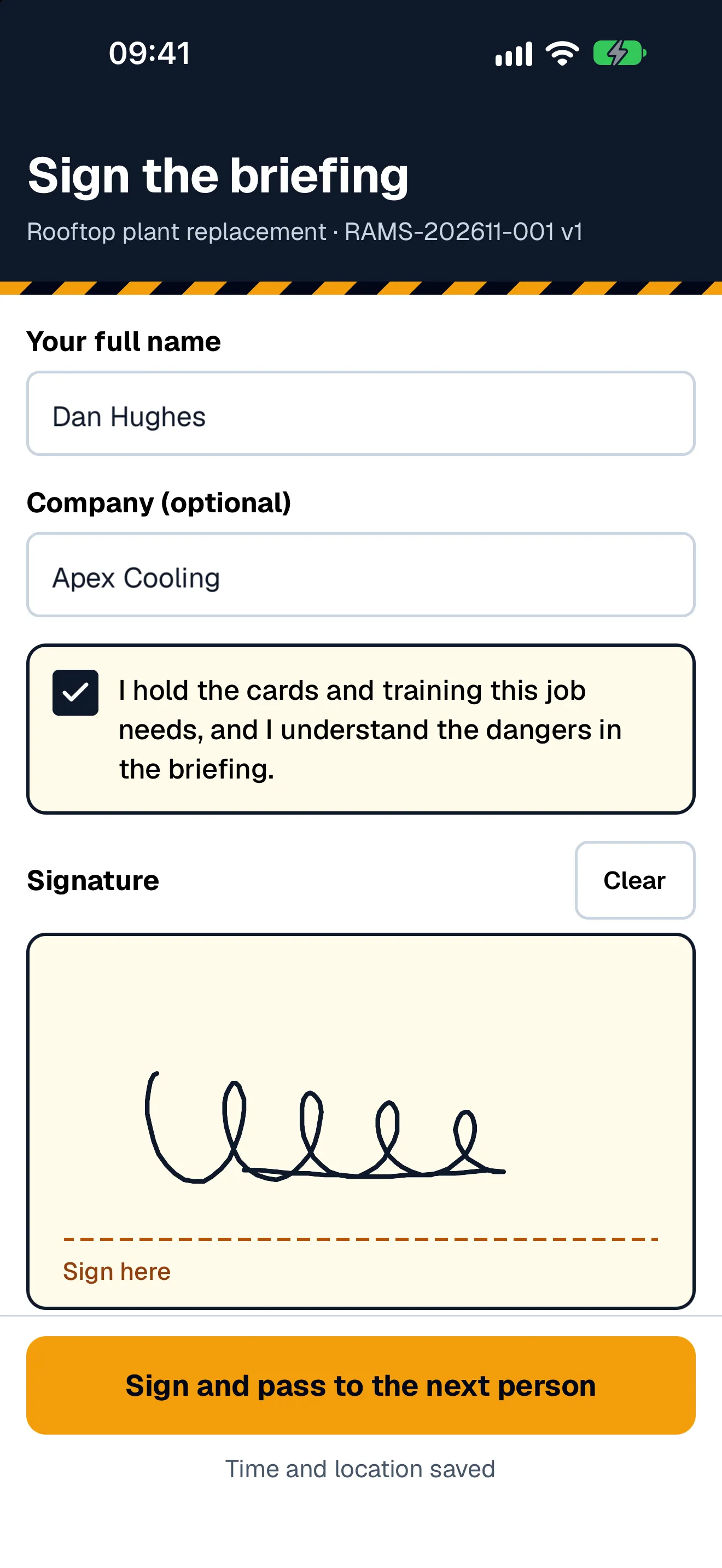
Your team scans a QR code, reads the briefing — the main dangers, what to wear and what to do in an emergency, with the full RAMS one tap away — and signs. No app to install, no clipboard to lose.
- Name, signature and time recorded against the version they signed, with their company and location if they give them
- See who has signed which RAMS, and when
- Toolbox talks delivered and recorded the same way
- Workers tick to confirm they're competent for the work before they sign
Permits to work, linked to the RAMS
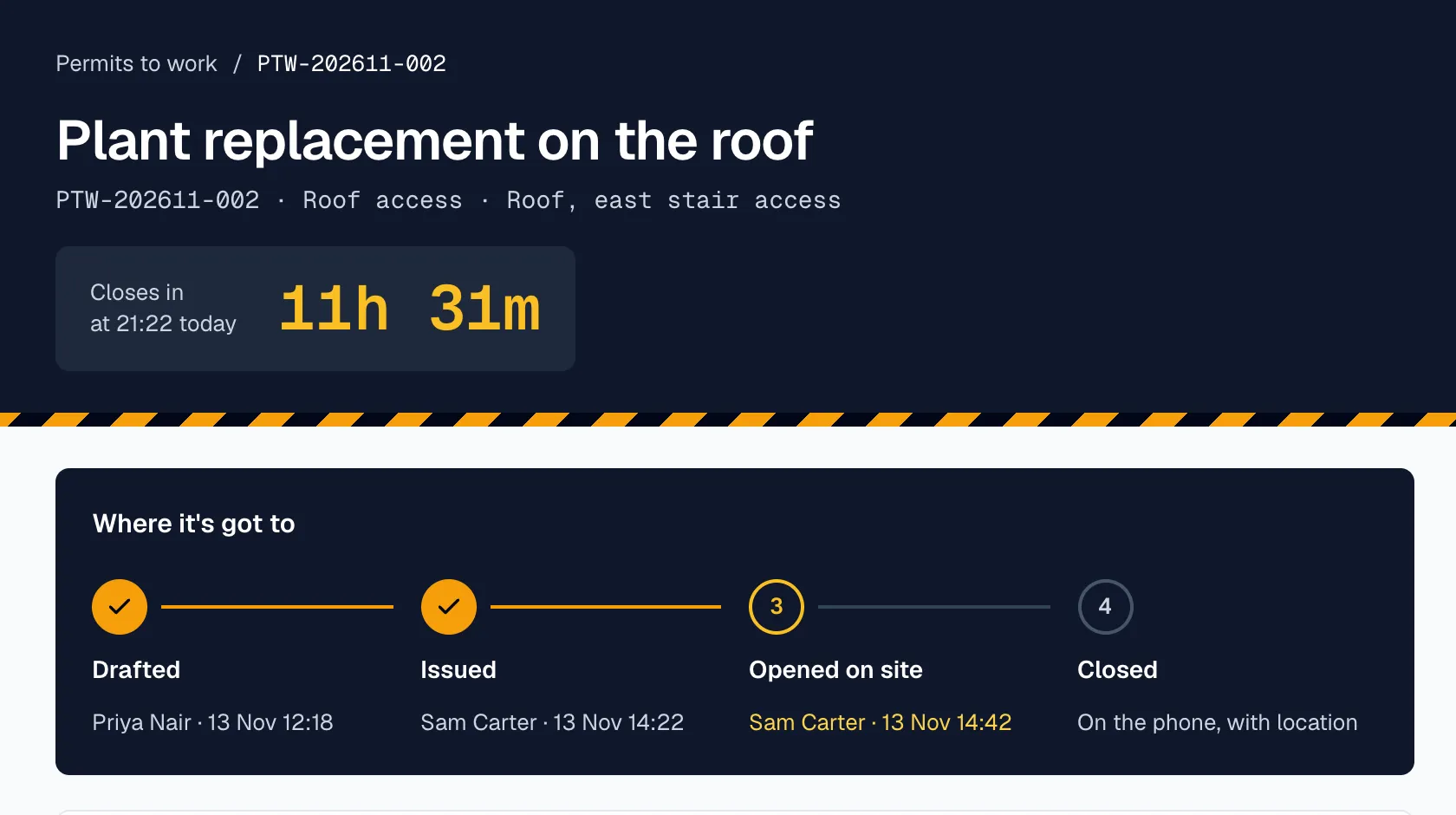
Raise a permit against the approved RAMS, issue it to named people in the office, then open and close it on site from the phone.
- 6 permit types: hot works, confined space, electrical isolation, excavation, working at height, roof access
- Raise, issue, open and close, each with who did it and when
- Issued by a manager — not your own permit, unless your organisation allows it
- Fire watch for hot works
Site QR boards and check-in
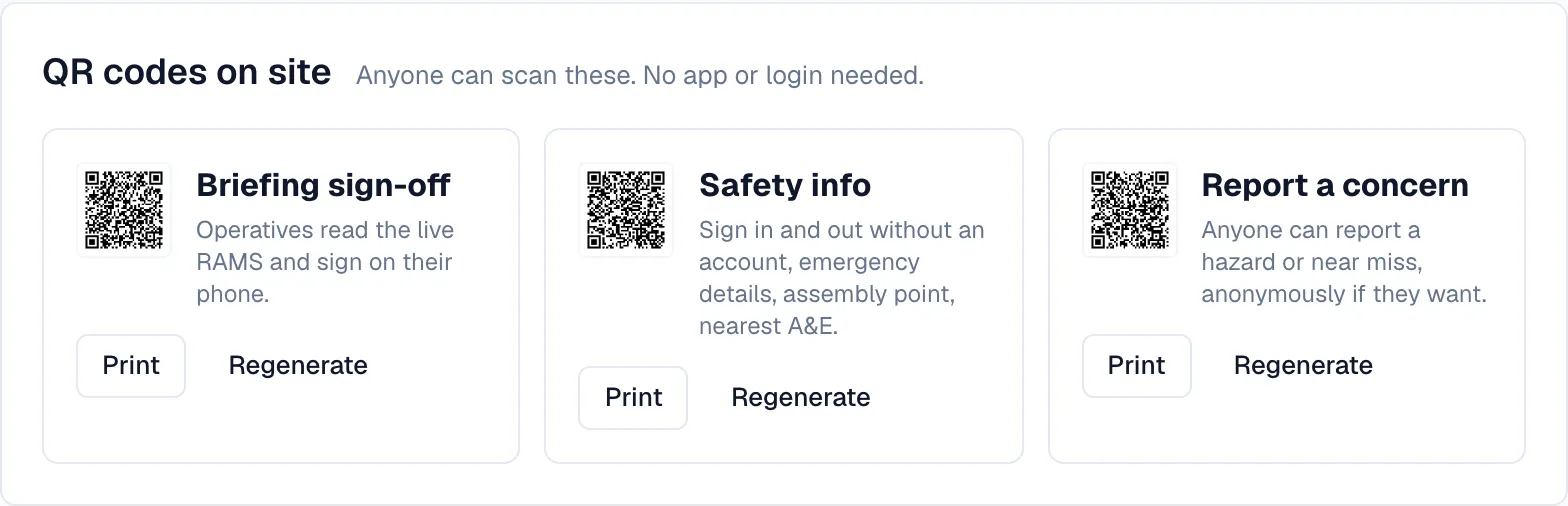
One A3 board for the site, generated and ready to print and laminate. People sign in from it on their phone when they arrive.
- Three QR codes anyone can scan, with no app or login
- Briefing sign-off: read the briefing for the live RAMS and sign
- Sign in and out: you see who has checked in today, grouped by the company they work for
- Report a concern — with a photo, and anonymous if no name is given
Incidents, linked to the RAMS
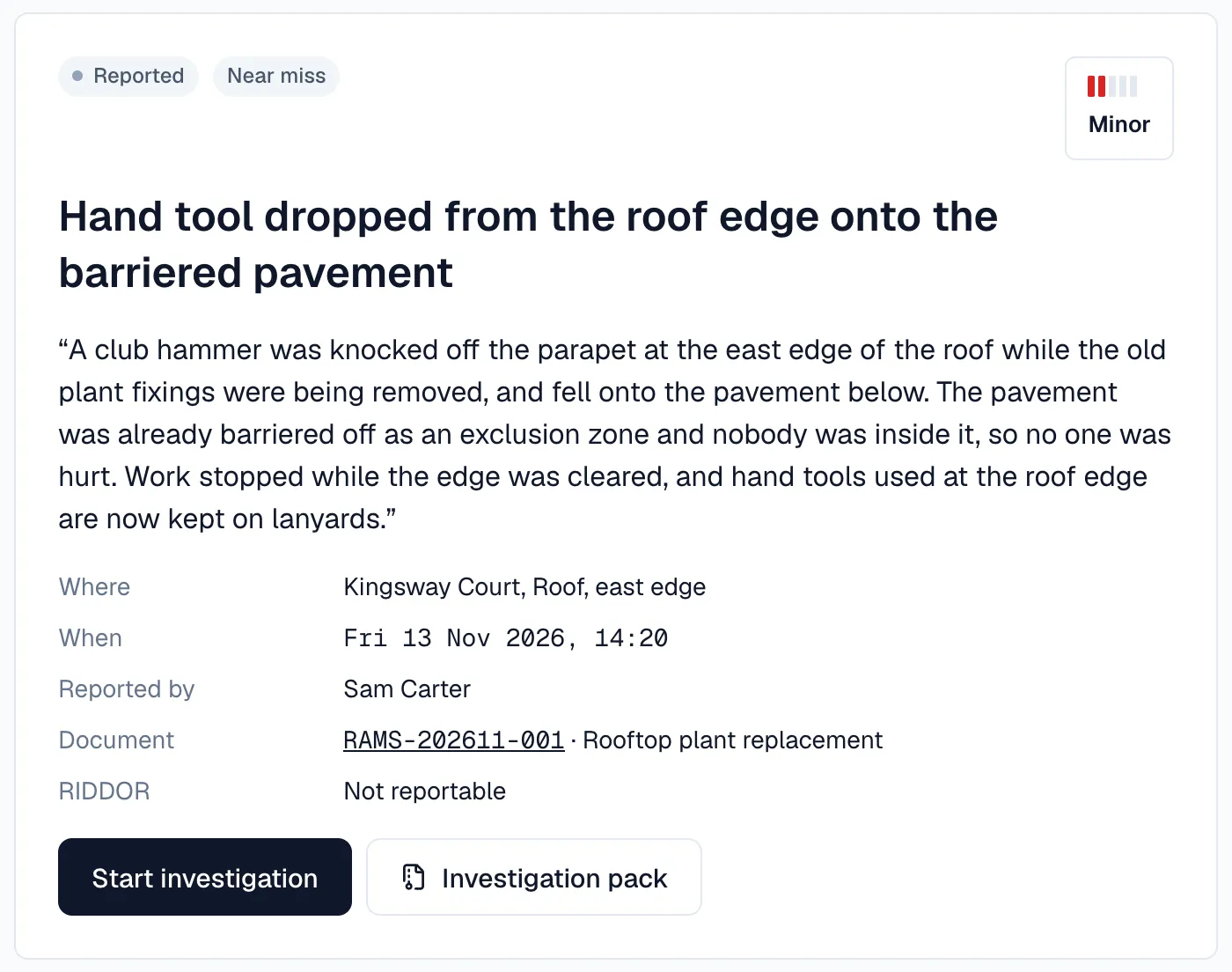
A near miss is information. Report it against the active RAMS and we analyse which of its hazards and controls were involved.
- Report with type, severity, location and up to 10 photos
- Workers without an account can report a concern from the site board
- Resolve with a root cause and corrective actions, then close
- Investigation pack for a RAMS: the document, sign-offs, permits, incidents and activity log on one page, ready to print or save as a PDF
Managing contractors
Subcontractors and interface risks
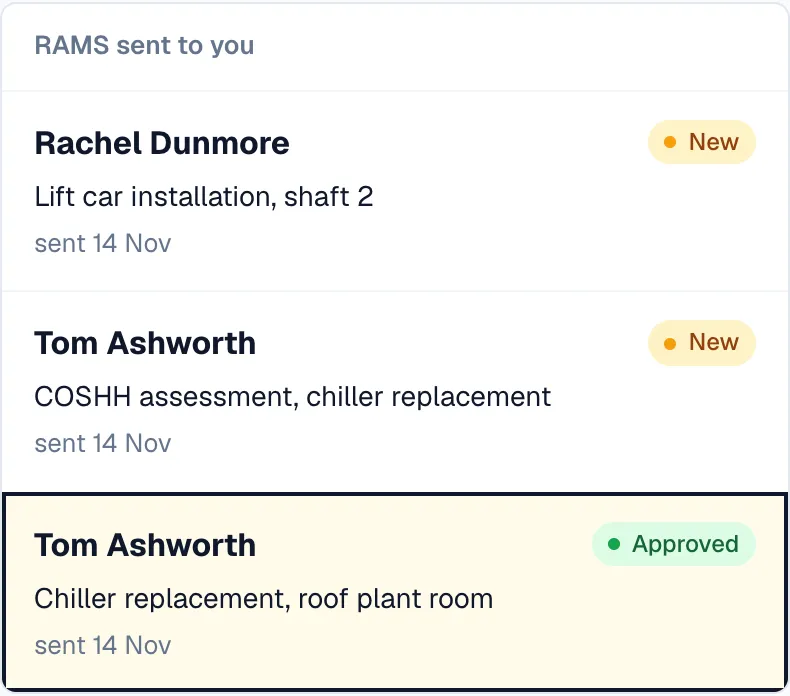
For whoever asks for the RAMS. Invite your contractors, review what they send in one queue, and let us find the clashes between them.
- Invite contractors by email to submit RAMS to your project (Team and Enterprise); they don't pay to submit
- Run an AI check on any submission to see where to look first
- Interface risk detection compares the RAMS on a project, including your contractors' submissions, for shared spaces, overlapping times and contradictory controls
- A read-only project link for the building owner or facilities manager
Keeping watch
Watching the things that change
A RAMS approved in July is not the same risk in December. We watch the conditions and the rules, and tell you when something matters.
- Met Office forecasts checked twice a day against the hazards in your RAMS — wind for work at height, heat and cold for welfare
- HSE and legislation.gov.uk checked each morning; a change is screened against your approved RAMS, and the author is notified if it may affect one
- Competency expiry warnings 30 days ahead
- A warning in the morning when a permit runs out within 24 hours
Enterprise
API and a Claude connector
Enterprise plans can connect RAMSdoc to the rest of the business — including a Claude conversation.
- REST API for documents, projects, sites, permits and incidents
- Claude connector: draft, check and manage documents from Claude, as the signed-in user, with the same permissions and credits
- Branded PDF exports (white label)
See it with your own job.
14-day free trial. Draft your first RAMS today.